What Is WhatsApp API? Complete Beginner's Guide (2026)
WhatsApp API is one of the most useful tools for businesses that want to manage customer conversations beyond a single phone. It helps teams send notifications, receive replies, automate support, connect CRM records, run permission-based campaigns, and build AI-assisted customer journeys through software.
If you are a business owner, developer, marketer, or SaaS team trying to understand where WhatsApp API fits, this guide explains the basics in plain English. You will learn how it works, how it differs from the WhatsApp Business app, what it can cost, which mistakes to avoid, and how a platform like Waplix can help you move from manual chats to scalable automation. Create your free Waplix account when you are ready to test a real workflow.
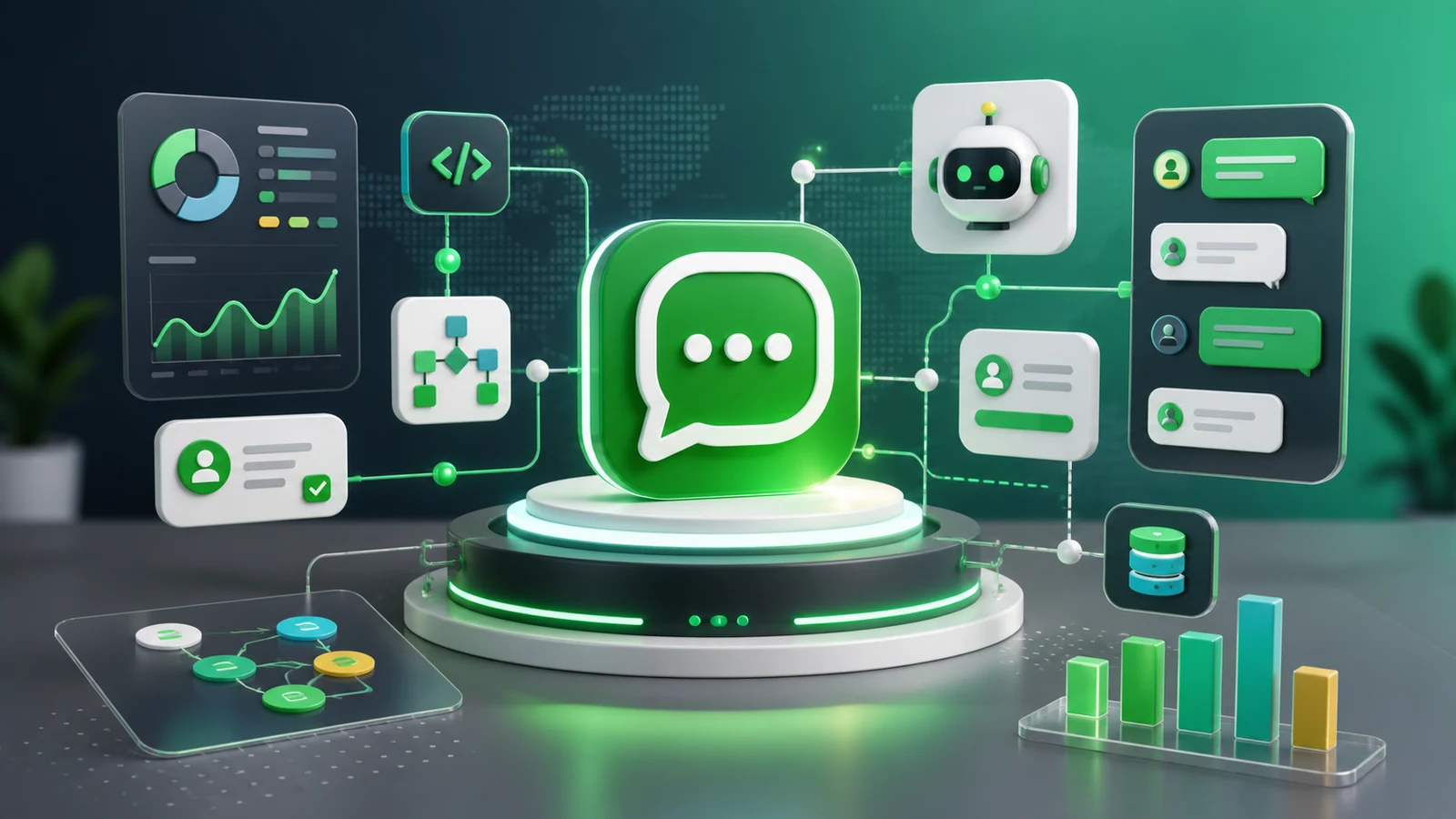
What is WhatsApp API?
WhatsApp API is a way for business software to send and receive WhatsApp messages programmatically. Instead of opening a phone, typing replies manually, and copying customer details into spreadsheets, your systems can connect WhatsApp conversations with tools such as CRMs, help desks, order systems, campaign builders, and AI support agents.
The important word is API. An API is a structured interface that lets one system talk to another. In this case, your business application can create message workflows, receive inbound replies, store contact history, trigger webhooks, and measure delivery or engagement events.
For a beginner, it helps to think about WhatsApp API as the bridge between customer messaging and business operations. Customers still experience a familiar WhatsApp conversation. Your team gets automation, routing, visibility, and integration behind the scenes.
Who is it for?
WhatsApp API is useful for businesses that need more than one person replying from one phone. It fits ecommerce stores, service companies, SaaS products, education teams, healthcare appointment workflows, logistics updates, marketplaces, agencies, and customer support operations.
Developers use it to connect WhatsApp with existing apps. Marketers use it for compliant, opt-in campaigns. Support teams use it for shared inboxes and faster replies. Founders use it because customers often respond faster on WhatsApp than email.
Related keywords: WhatsApp Business API, WhatsApp automation, WhatsApp marketing, business messaging API, WhatsApp webhooks, WhatsApp CRM, WhatsApp campaigns, AI support agent, customer messaging automation, Waplix API.
How WhatsApp API works
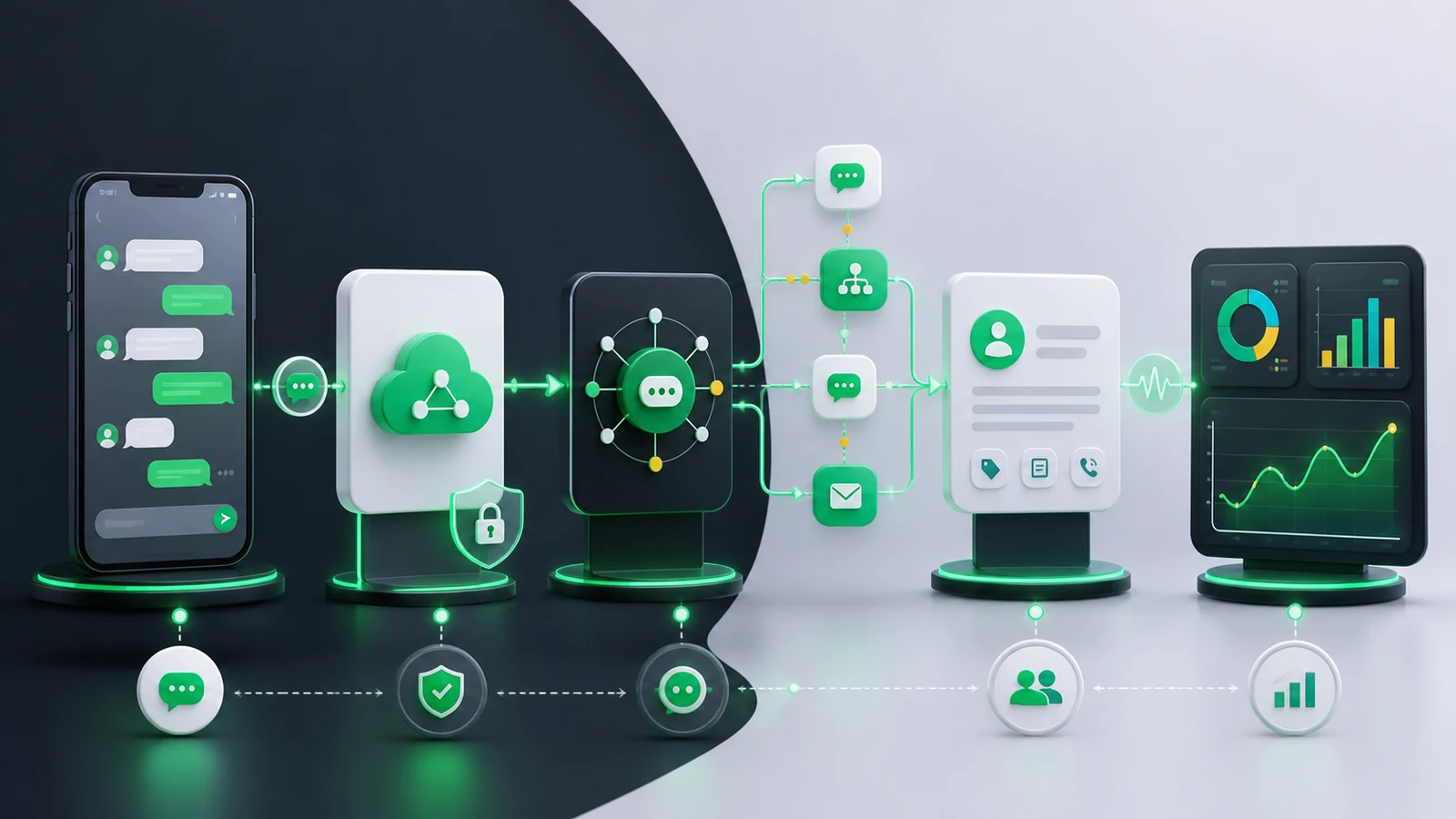
A typical WhatsApp API workflow has five moving parts: the customer, the WhatsApp messaging layer, your API provider or platform, your business systems, and the team or automation that handles the conversation.
Inbound messages
When a customer sends a message, your platform receives an event. That event can be displayed in a shared inbox, saved to a CRM contact, routed to a support team, or passed to an AI agent for the first response. If you use Waplix, you can connect messaging behavior with docs such as message endpoints and webhook events.
Outbound messages
Outbound messages are messages your business sends to customers. They may include order updates, appointment reminders, account alerts, lead follow-ups, or campaign messages. Businesses should only message users with proper permission and should follow WhatsApp policies and local laws.
Webhooks
Webhooks are notifications sent to your application when something happens. For example, a webhook can tell your CRM that a new message arrived or that a campaign reply needs a sales follow-up. Webhooks make WhatsApp API feel alive because your systems react in real time.
WhatsApp API vs WhatsApp Business app
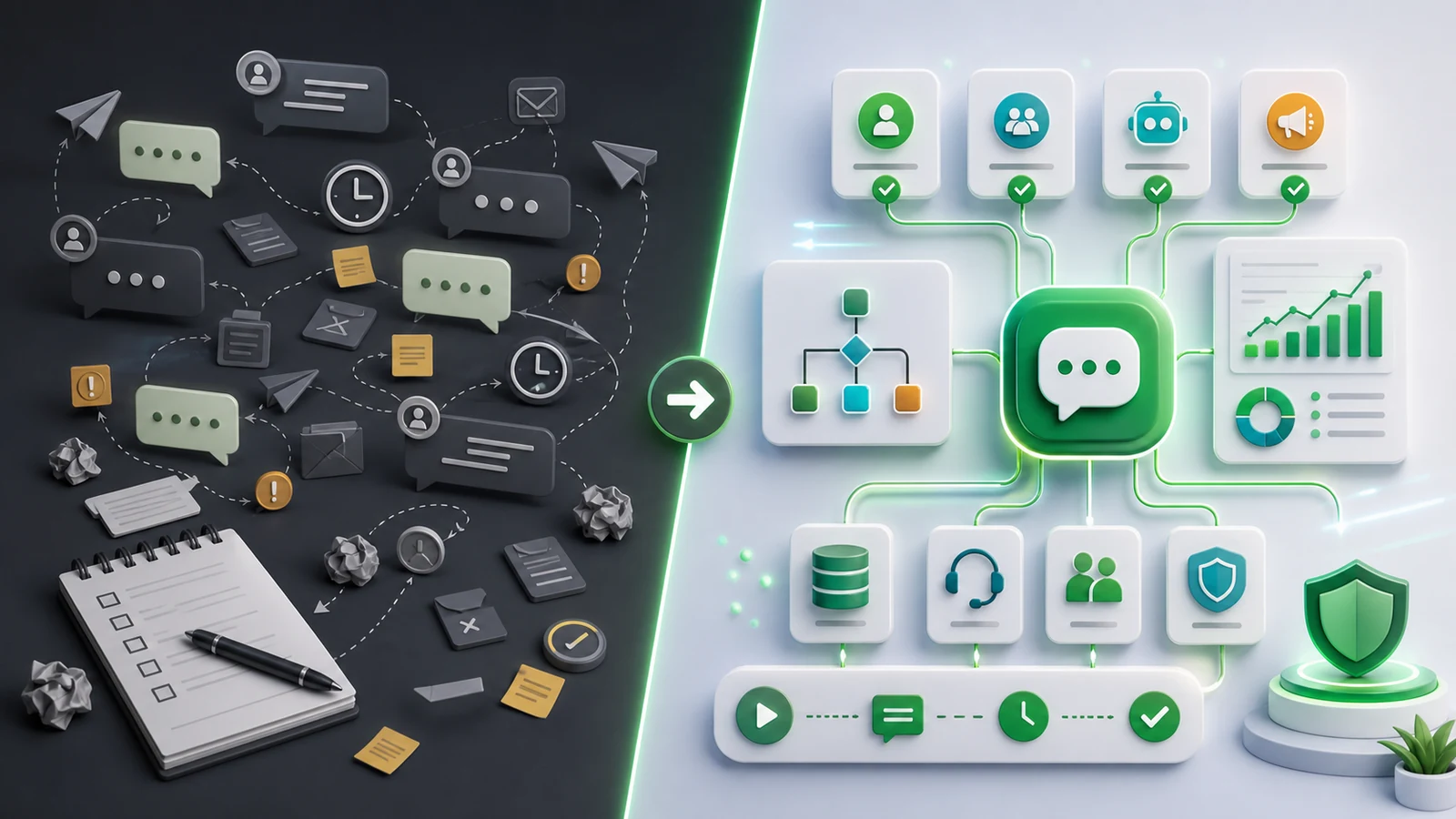
The WhatsApp Business app is simple and useful for very small teams. WhatsApp API is better when you need software integration, multiple users, automation, tracking, and scale. The right choice depends on how many conversations you manage and how much process you need around them.
| Area | WhatsApp Business app | WhatsApp API |
|---|---|---|
| Best for | Solo owners and small manual teams | Growing teams, developers, support, marketing, SaaS workflows |
| Automation | Basic quick replies and labels | Advanced workflows, routing, webhooks, CRM sync, AI agents |
| Team access | Limited | Shared inboxes, roles, and connected systems |
| Campaigns | Manual lists and broadcasts | Permission-based segmentation, templates, tracking, and automation |
| Reporting | Minimal | Delivery, reply, campaign, and workflow reporting |
Common business use cases
WhatsApp API is strongest when it solves a real operational problem. The best first projects are specific, measurable, and customer-friendly.
Customer support
Support teams can manage messages in a shared inbox, assign conversations, use saved replies, and route urgent issues. An AI support agent can answer common questions first, then pass complex conversations to humans.
Order and appointment updates
Businesses can send order confirmations, shipping alerts, booking reminders, payment updates, and renewal notices. These messages are useful because customers expect them and can act on them quickly.
Lead qualification
A website form, ad, or landing page can start a WhatsApp conversation. Automation can ask a few qualifying questions, collect context, and route the lead to the right team member.
Permission-based campaigns
Campaigns can promote launches, renewals, event reminders, or education sequences. Keep these campaigns opt-in, relevant, and easy to stop. Good WhatsApp marketing respects the inbox.
Automate WhatsApp communication with Waplix
Explore Waplix features for messaging APIs, campaigns, shared inbox workflows, CRM context, and AI-assisted support.
Explore Waplix features Explore Waplix API documentationBasic WhatsApp API architecture
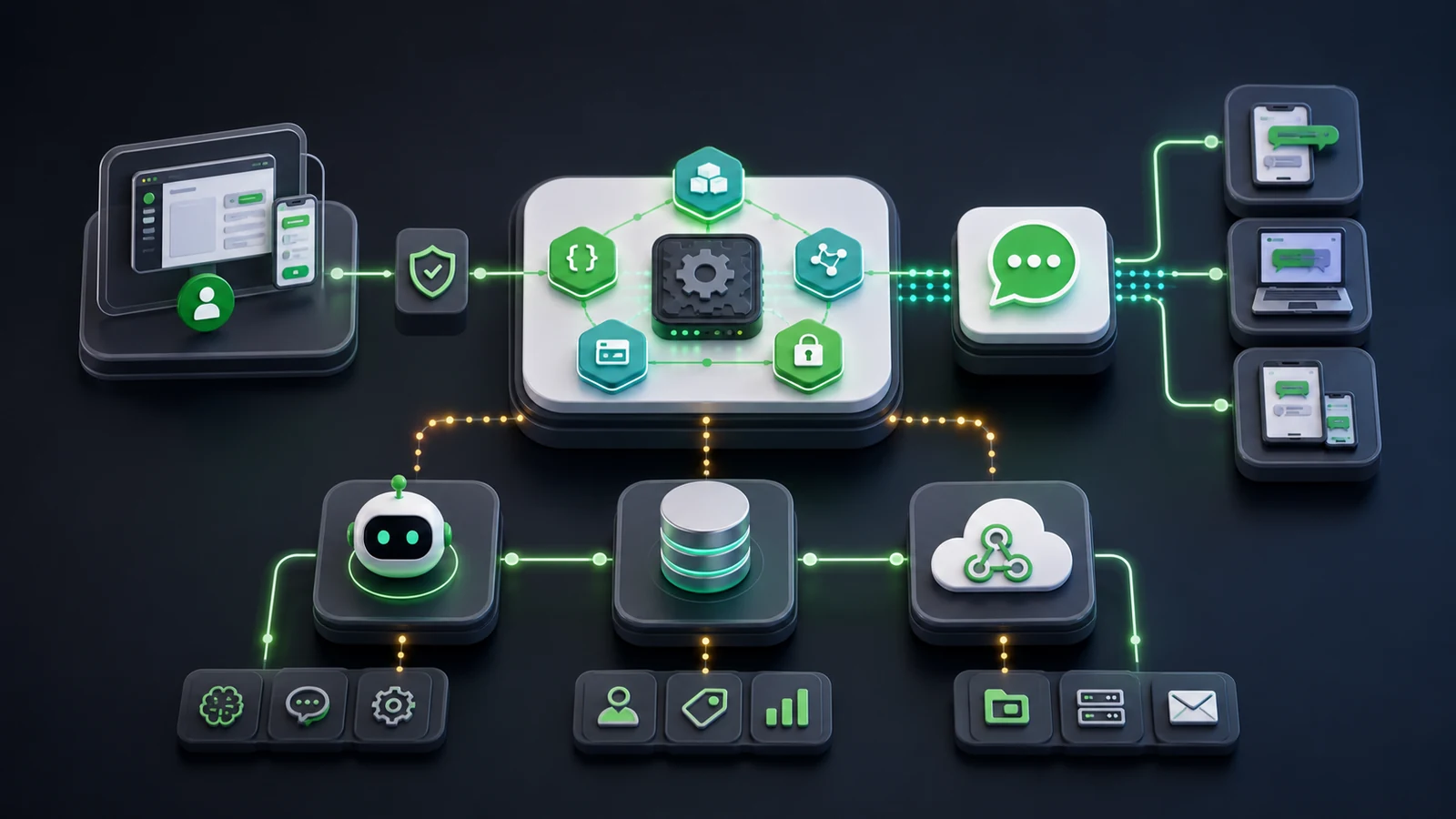
The architecture can be simple at first. Your website, CRM, or app sends a request to the messaging platform. The platform delivers the message through the WhatsApp messaging layer. Replies and status events come back through webhooks so your system can update records or trigger follow-up actions.
| Component | What it does | Beginner tip |
|---|---|---|
| API endpoint | Accepts requests to send or manage messages | Start with one message type before building many flows |
| Webhook | Sends events back to your system | Log events carefully while testing |
| CRM record | Stores customer identity and conversation history | Keep contact data clean and permission-based |
| Automation | Routes, replies, tags, or triggers follow-up actions | Make every automated message useful |
Step-by-step guide to getting started
A beginner setup should be practical, not overbuilt. Choose one business outcome, connect the minimum systems, test with a small audience, and improve from real conversation data.
- Define the use case. Pick support, order updates, lead qualification, appointment reminders, or a compliant campaign.
- Confirm consent and policy fit. Make sure users expect the messages and can opt out where required.
- Choose your platform. Review pricing, features, API access, campaign tools, and support needs.
- Connect your number and channels. Set up the messaging identity and test basic send and receive behavior.
- Configure webhooks. Use webhook documentation to receive message and status events.
- Build the first workflow. Keep it small: one trigger, one response path, one clear owner.
- Monitor performance. Track delivery, replies, resolution time, opt-outs, and customer satisfaction.
- Expand carefully. Add CRM sync, campaigns, AI agent flows, and analytics after the basics work.
| Step | Output | Waplix resource |
|---|---|---|
| Messaging test | Send and receive a basic message | Messages documentation |
| Webhook test | Receive event payloads in your app | Webhooks documentation |
| Campaign draft | Segmented, compliant customer update | Campaign documentation |
| AI support pilot | Automated answers for common questions | AI agent documentation |
WhatsApp API pricing and cost factors
Costs can vary by provider, region, message volume, conversation type, and platform features. Beginners should not only ask, "What is the cheapest option?" A better question is, "What does it cost to run this workflow reliably and legally?"
| Cost factor | What to consider | How to control it |
|---|---|---|
| Message volume | More conversations usually increase total spend | Send relevant messages and remove unengaged contacts |
| Platform plan | API access, campaigns, inboxes, AI, and reporting may be packaged differently | Choose a plan that matches current workflows, then upgrade later |
| Development time | Custom integrations require engineering effort | Use documentation and ready-made tools where possible |
| Compliance operations | Consent, opt-outs, and templates need attention | Build permission checks into campaigns from day one |
Best practices for beginners
- Start with one valuable workflow before expanding into many automations.
- Use clear opt-in language so customers know what they will receive.
- Keep messages short, useful, and easy to respond to.
- Route complex questions to humans instead of forcing automation.
- Track delivery, replies, resolution time, unsubscribes, and complaints.
- Document your API keys, webhook URLs, and message flows.
- Follow WhatsApp policies and local privacy or marketing laws.
Common mistakes to avoid
- Starting with spammy campaigns. WhatsApp is personal. Use permission-based communication only.
- Ignoring webhooks. Without event handling, your system cannot respond intelligently.
- Building too much too early. A small reliable workflow beats a complicated broken one.
- Forgetting human handoff. Automation should help customers, not trap them.
- Not measuring outcomes. Track business value, not only message volume.
How Waplix helps businesses use WhatsApp API
Waplix is built for teams that want WhatsApp API, automation, marketing campaigns, AI support agents, CRM context, and business messaging workflows in one SaaS platform. Instead of stitching together every piece from scratch, you can start with practical product areas and expand as your use case grows.
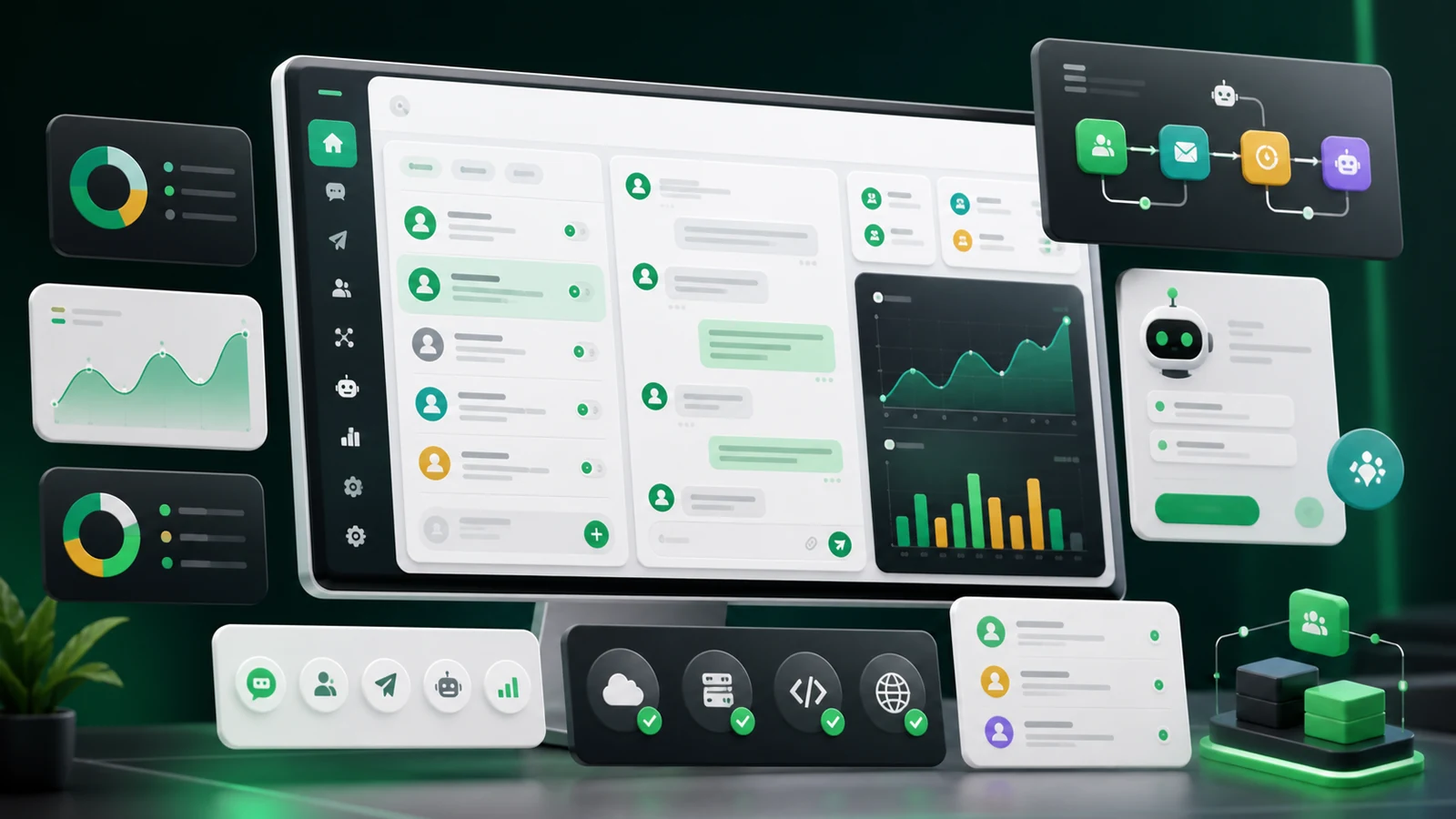
- API messaging: connect apps and services to WhatsApp messaging workflows.
- Campaign automation: create compliant, segmented customer updates and follow-ups.
- AI support agent: answer common questions and hand off complex cases.
- CRM and contact context: keep conversations tied to customer records.
- Analytics: understand delivery, response, and workflow performance.
For developers, the best next step is the Waplix API documentation. For business teams, review the feature overview or contact Waplix to discuss the right first workflow.
Suggested screenshot placeholders
Use these placeholder paths until final Waplix product screenshots are captured. Each should be replaced with a real screenshot before publication if the product UI is final.
| Suggested filename | Alt text | Caption | Where to place |
|---|---|---|---|
| /assets/images/blog/screenshots/waplix-dashboard.webp | Waplix dashboard showing WhatsApp conversations and automation status | Waplix dashboard overview for messaging operations. | Waplix use-case section |
| /assets/images/blog/screenshots/api-documentation.webp | Waplix API documentation screen for WhatsApp message endpoints | API documentation helps developers send and receive messages faster. | Setup guide |
| /assets/images/blog/screenshots/campaign-builder.webp | Waplix campaign builder for permission-based WhatsApp campaigns | Campaign tools should support segmentation, compliance, and reporting. | Use cases section |
| /assets/images/blog/screenshots/ai-support-agent.webp | Waplix AI support agent workflow for customer questions | An AI support agent can answer common questions and escalate complex cases. | Customer support use case |
| /assets/images/blog/screenshots/analytics-reporting.webp | Waplix analytics report for WhatsApp campaigns and conversations | Analytics show delivery, replies, and workflow performance. | Costs or best practices section |
Diagram placeholder
Diagram title: WhatsApp API message flow
Diagram description: A simple visual showing a customer message entering WhatsApp API, triggering Waplix automation, updating CRM, notifying support, and returning a response.
Placeholder path: /assets/images/blog/what-is-whatsapp-api-complete-beginners-guide-2026/workflow.webp
Suggested AI image prompt: Create a clean 16:9 SaaS diagram of a WhatsApp API message flow from customer chat to API gateway to Waplix automation to CRM and support team, with no embedded text or logos, using green, teal, white, and dark gray.
Alt text: WhatsApp API message flow diagram showing customer chat, API, automation, CRM, support, and analytics.
FAQ
What is WhatsApp API?
WhatsApp API is a business messaging interface that lets approved business systems send, receive, automate, and manage WhatsApp conversations at scale through software instead of only a phone app.
Is WhatsApp API the same as the WhatsApp Business app?
No. The WhatsApp Business app is built for small manual use on a phone. WhatsApp API is built for teams, developers, automation, CRMs, support workflows, campaigns, and integrations.
Can I use WhatsApp API for bulk messaging?
You can use WhatsApp API for permission-based notifications and campaigns, but you must follow WhatsApp policies, local laws, and opt-in rules. Spam, scraping, and unsolicited messaging can harm deliverability and account health.
Do I need developers to use WhatsApp API?
Developers are helpful for custom integrations, but platforms like Waplix can reduce the technical work by combining API access, automation, campaigns, inbox tools, and AI support workflows in one place.
How do webhooks work with WhatsApp API?
Webhooks notify your system when an event happens, such as a new message, delivery update, or status change. Your app can then store the event, trigger automation, or notify a team member.
What should beginners build first?
Start with a simple support inbox, order update, appointment reminder, or lead qualification flow. Keep the first use case narrow, compliant, measurable, and easy for customers to understand.
Conclusion
WhatsApp API helps businesses turn everyday customer chats into reliable workflows. It is not only a developer tool and it is not only a marketing channel. Used well, it becomes a practical layer for support, notifications, campaigns, CRM updates, AI assistance, and customer operations.
The safest way to begin is to choose one valuable use case, confirm customer permission, connect the minimum systems, test carefully, and improve from real data. As your needs grow, Waplix can help you bring API messaging, automation, campaigns, AI support, and reporting into one platform.
Start building with Waplix
Create your free Waplix account, explore the documentation, or talk to the team about your first WhatsApp API workflow.
Create your free Waplix account Contact WaplixPublishing deliverables
| SEO title | What Is WhatsApp API? Beginner Guide (2026) |
|---|---|
| Meta description | Learn what WhatsApp API is, how it works, use cases, setup steps, costs, best practices, and how Waplix helps teams automate messaging in 2026. |
| URL slug | what-is-whatsapp-api-complete-beginners-guide-2026 |
| Open Graph title | What Is WhatsApp API? Complete Beginner's Guide |
| Open Graph description | A practical 2026 beginner guide to WhatsApp API, use cases, setup steps, costs, automation, webhooks, and Waplix workflows. |
| Twitter/X card title | What Is WhatsApp API? Complete Beginner's Guide |
| Twitter/X description | Learn WhatsApp API basics, setup steps, costs, best practices, webhooks, campaigns, AI support, and Waplix use cases. |
| Suggested image prompt | Modern SaaS illustration of WhatsApp API automation, CRM, campaigns, AI support, webhooks, and analytics in Waplix green, teal, white, and dark gray. No text, logos, or watermarks. |
| Suggested screenshot list | Dashboard, API documentation, campaign builder, AI support agent, analytics/reporting. |
| Suggested internal links used | /features, /pricing, /documentation/api, /documentation/webhooks, /documentation/messages, /documentation/campaigns, /documentation/ai-agent, /contact, /app/register. |
| Suggested publish category | WhatsApp API Guides |
| Suggested tags | WhatsApp API, WhatsApp Business API, Automation, Webhooks, CRM, Campaigns, AI Support, Business Messaging |
| Suggested excerpt | Learn what WhatsApp API is, how it works, key use cases, costs, setup steps, best practices, and how Waplix helps teams automate business messaging well. |